Amazon Fire Stick UK Guide 2026: Which Model to Buy and Which to Avoid
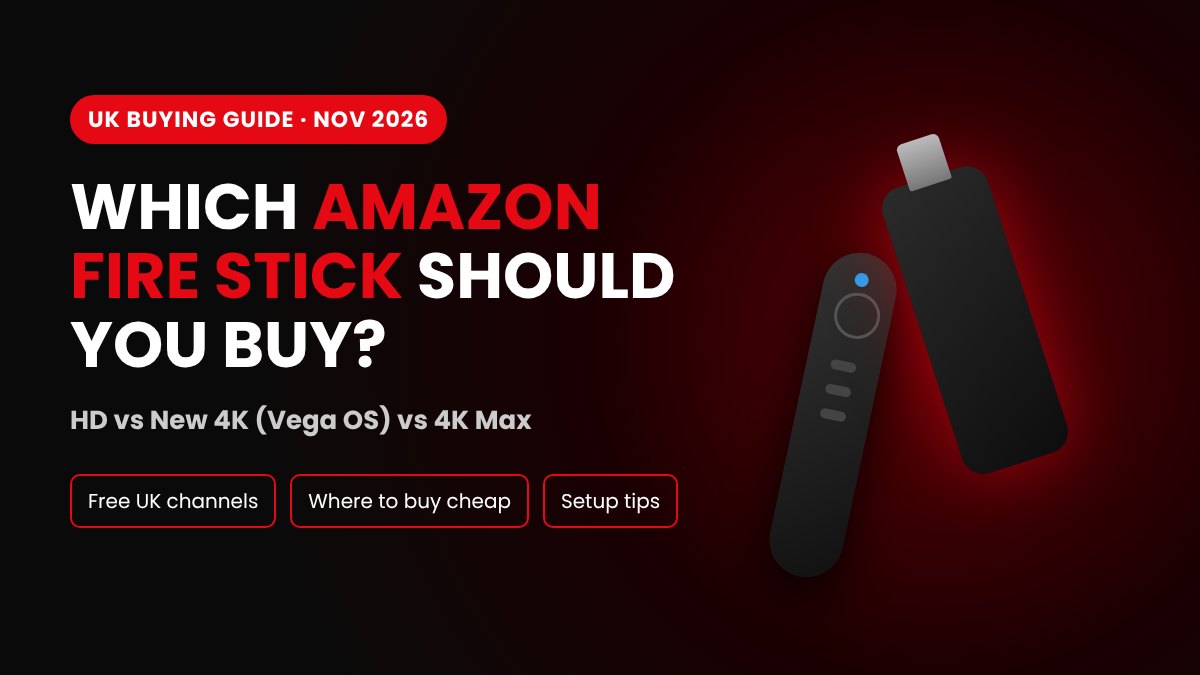
Amazon changed the Fire Stick line-up in September 2026. Here is which Amazon Fire Stick to buy in the UK now, what you can watch free and where to get one cheap.
Walk into Currys or open Amazon and search for a "Fire Stick", and you'll see four or five models that look almost exactly the same. Same black stick, same remote, very different prices. And in 2026 there's a new catch most shops don't mention: some of the newest models can't install the apps many people buy a firestick for in the first place.
We set up Fire Sticks for UK customers every week, so we see the same questions again and again. This guide answers them in plain English: what an Amazon Fire Stick actually does, which model is worth your money, what you can watch for free, and where to get one cheap without picking the wrong stick.
What Is an Amazon Fire Stick?
An Amazon Fire Stick (its full name is the Amazon Fire TV Stick) is a small streaming device about the size of a USB drive. It plugs into the HDMI port on the back of your TV and connects to your home Wi-Fi.
Once it's in, your TV gets a new home screen full of apps: Netflix, YouTube, BBC iPlayer, ITVX, Prime Video, Disney+, Spotify and thousands more. It comes with the Alexa Voice Remote, so you can just say "play Gladiators on iPlayer" instead of typing with arrow keys.
In short, a firestick turns any TV with an HDMI port into a smart TV. That's why it's so popular in the UK. Plenty of homes still have a perfectly good TV from 2014 that just doesn't have modern apps.
What does a firestick do that a smart TV doesn't?
If you already have a smart TV, you might wonder why you'd bother. Three reasons come up a lot:
- Speed. Smart TV apps often get slow and buggy after a few years. A Fire Stick 4K is usually much quicker.
- App support. TV makers stop updating apps on older sets. Amazon keeps the Fire TV store up to date.
- It's portable. Unplug it, put it in your bag and use it in a hotel, caravan or at your mum's house.
How Does a Firestick Work?
A firestick streams everything over the internet. You don't need a satellite dish, a cable box or even a TV aerial. Here's what happens:
- The stick plugs into your TV's HDMI port and gets power from a USB cable and plug.
- It connects to your Wi-Fi and you sign in with an Amazon account (a free one is fine, you don't need Prime).
- You download apps from the Fire TV app store, just like on a phone.
- When you press play, the app streams the show from the internet straight to your TV.
For HD you need around 10 Mbps of internet speed. For smooth 4K, aim for 25 Mbps or more. Most UK fibre broadband is well above that.
The UK Fire Stick Line-Up in 2026 (Updated November)
This is where people get confused, and Amazon made it worse on 30 September 2026. That day it launched a brand-new Fire TV Stick 4K and stopped making the 4K Plus and 4K Select. Here's what you'll find in UK shops right now:
| Model | Status | Picture | Wi-Fi | Storage | Software | Can install outside apps? |
|---|---|---|---|---|---|---|
| Fire TV Stick HD (2026) | Current | 1080p, HDR10+ | Wi-Fi 6 | 8GB | Vega OS | No |
| Fire TV Stick 4K (new, Sept 2026) | Current | 4K, HDR10, HDR10+, HLG (no Dolby Vision) | Wi-Fi 6 | 8GB | Vega OS | No |
| Fire TV Stick 4K Max | Current | 4K, Dolby Vision, HDR10+ | Wi-Fi 6E | 16GB | Fire OS 8 | Yes |
| Fire TV Stick 4K Plus | Discontinued, while stocks last | 4K, Dolby Vision, HDR10+ | Wi-Fi 6 | 8GB | Fire OS 8 | Yes |
| Fire TV Stick 4K Select | Discontinued, while stocks last | 4K, HDR10+ | Wi-Fi 5 | 8GB | Vega OS | No |
At the time of writing, the full UK prices are about £59.99 for the HD, £69.99 for the new 4K, £99.99 for the 4K Max and £79.99 for any 4K Plus still on the shelf. You'll rarely pay that much though, because these sticks go on sale for a big part of the year.
Watch the name! Amazon has now used "Fire TV Stick 4K" for two different sticks. The old 2023 one runs Android-based Fire OS and was renamed 4K Plus in late 2025. The new 2026 one runs Vega OS and comes with Alexa+. If a box or listing just says "4K", look for "Vega OS" or "Alexa+" in the description. That tells you it's the new one.
Fire OS vs Vega OS: The Thing Most Shops Don't Tell You
This is the most important part of this guide, so please don't skip it.
The 4K Max (and any leftover 4K Plus) runs Fire OS, which is based on Android. On these you can use more than 30,000 apps, and you can also install apps that aren't in the Amazon store. That includes popular IPTV player apps, VPN apps and media players.
The HD and the new 4K run Amazon's own Vega OS. It's quick and tidy, but it only runs apps from the Amazon store. There are a couple of thousand so far, and you can't add anything from outside. Amazon has said every new Fire TV stick will use Vega OS, so the Android models are slowly disappearing.
So what does that mean for you?
- If you only want Netflix, iPlayer and YouTube, any model is fine.
- If you want to use an IPTV service or a specific player app, buy the 4K Max, or a sealed 4K Plus if you can still find one. A Vega stick may simply not run the app.
- Because Amazon is moving everything to Vega OS, Fire OS sticks will get harder to find. If you need one, buy it while it's still in stock.
Every stick in our Fire Stick packages is a Fire OS model, so this is never a problem for our customers.
Fire Stick 4K vs 4K Max: Which Should You Buy?
For most people it now comes down to the new 4K or the 4K Max. Both give you a sharp 4K picture, but the gap between them is bigger than it used to be:
- Apps: the 4K Max runs Fire OS and can install outside apps. The new 4K runs Vega OS and can't.
- Picture and sound: the 4K Max supports Dolby Vision and Dolby Atmos. The new 4K supports neither, only HDR10, HDR10+ and HLG.
- Wi-Fi: Wi-Fi 6E on the Max versus Wi-Fi 6 on the new 4K. That helps if lots of devices share your Wi-Fi.
- Storage: 16GB on the Max versus 8GB on the new 4K. 8GB fills up faster than you'd think.
- Price: the new 4K is about £30 cheaper at full price, and both drop a lot in sales.
Our honest take: if you only use the big apps like Netflix, iPlayer and Prime Video, the new 4K is fine and good value. For IPTV, the best picture, a big TV or live sport, get the 4K Max. Is your TV only Full HD? A 4K stick still works fine on it, and it'll be ready when you upgrade.
What Channels Are Free on a Firestick?
A lot of people don't realise how much you can watch on a firestick without paying anything extra. These free apps all work on every model:
- BBC iPlayer: all BBC channels live, plus the full box set catalogue.
- ITVX: live ITV1, ITV2, ITV3, ITV4 and a big on-demand library (free with ads).
- Channel 4: live Channel 4, E4, More4 and Film4, plus catch-up.
- 5 (My5): Channel 5 shows live and on demand.
- U (UKTV Play): Dave, Drama, Gold, Alibi and more.
- YouTube and Pluto TV: free videos plus hundreds of free live channels with ads.
Do you need a TV Licence for a Fire Stick?
Yes, in some cases. In the UK you need a TV Licence if you watch or record live TV on any channel or app, or if you use BBC iPlayer at all. That's true whether you watch on a TV, a laptop or a firestick. If you only watch on-demand apps like Netflix or Disney+ and never watch live TV or iPlayer, you don't need one. Check the official TV Licensing website if you're not sure.
Where to Buy a Fire Stick in the UK
You can buy an Amazon Fire Stick from lots of places:
- Amazon UK: the biggest range and usually the first to get deals.
- Currys: people search for "Currys firestick" a lot because you can click and collect the same day. Currys often matches Amazon's sale prices.
- Argos: also good for same-day collection, and it usually price-matches during big sales.
- John Lewis: handy if you want their customer service and returns.
- Tesco and Asda: some larger stores sell Fire Sticks, but stock changes a lot from store to store. Check online before you go.
How to get the cheapest Fire Stick
If you're after a cheap fire stick, timing matters more than the shop. Searches for Fire Sticks in the UK peak every year from Black Friday to Christmas, and so do the deals. Here are the tips we give our own customers:
- Buy during Prime Day (summer) or Black Friday (November). This is when Fire Sticks hit their lowest prices, often around half price.
- Check the model, not just the price. The cheapest fire stick on the page is often a Vega OS model, or an old 4K Select being cleared out. Great if you only want Netflix, a mistake if you wanted IPTV.
- Look at Amazon Renewed. Refurbished sticks come with a warranty and can save you a good chunk.
- Watch out for "too good to be true" listings on marketplaces. Fake and second-hand sticks with broken remotes are common.
How to Set Up Your Fire Stick in 10 Minutes
- Plug the stick into a free HDMI port on your TV. If it's tight behind the TV, use the small HDMI extender in the box.
- Plug the power cable into the wall socket, not the TV's USB port. TV USB ports often don't give enough power, which causes random restarts.
- Turn on the TV and switch to the right HDMI input.
- Put the batteries in the remote. It should pair by itself. If it doesn't, hold the Home button for 10 seconds.
- Pick your Wi-Fi network, enter the password and sign in to Amazon.
- Let it update. The first update can take a few minutes, so don't unplug it.
- Install your apps and you're ready.
Setting up IPTV on top? Follow our step-by-step Firestick IPTV setup guide for UK beginners.
Common Fire Stick Problems and Quick Fixes
- Buffering or freezing: usually a Wi-Fi issue. Move the router closer, use the 5GHz band, or try a wired Ethernet adapter. We cover every fix in our guide on why your Firestick is buffering.
- Remote not working: change the batteries first, then hold Home for 10 seconds to re-pair it.
- "Low storage" warning: go to Settings, then Applications, then Manage Installed Applications, and clear the cache on big apps or delete ones you don't use.
- No picture or "no signal": try a different HDMI port and make sure the stick has power from the wall plug.
- Stick feels slow: restart it (Settings, then My Fire TV, then Restart). A restart once a week keeps it running smoothly.
What Does a Fire Stick Really Cost?
The stick is a one-off payment. There's no monthly fee for the Fire Stick itself and you don't need Amazon Prime. Your ongoing costs depend on what you add:
- Free apps like iPlayer, ITVX and Channel 4: £0 (plus a TV Licence where needed).
- Streaming services like Netflix, Disney+ or Prime Video: their normal monthly price.
- An IPTV subscription for live channels in one app: one fixed price for the length of the plan.
If you're thinking about cutting the cord, we did the full maths in how much you can save by switching from Sky to IPTV.
Is an Amazon Fire Stick Worth It?
For most UK homes, yes. It's the cheapest way to make any TV smart, it's quick to set up, and the free UK apps alone give you more than enough to watch. Just buy the right one: the new Fire TV Stick 4K if you only want the main apps, and the 4K Max for IPTV, big screens and sport. Avoid the Vega OS models if you plan to use IPTV.
Not sure an IPTV service is right for you? You can get a free IPTV trial before you buy, or skip the setup completely with one of our ready-to-use Fire Stick packages.
Fire Stick FAQs
What is the difference between Fire TV and a Fire Stick?
Fire TV is the name of Amazon's streaming software and home screen. A Fire Stick is the plug-in device that runs it. You'll also find Fire TV built into some TVs and in the Fire TV Cube.
Do I need a smart TV to use a firestick?
No. Any TV with an HDMI port works, even an old one. That's the main reason people buy one.
Can I still buy a Fire Stick that isn't Vega OS?
Yes. In the UK the Fire TV Stick 4K Max still runs Fire OS, and some shops still have the 4K Plus while stocks last. Every other new stick runs Vega OS.
Do I need Amazon Prime for a Fire Stick?
No. You need a free Amazon account to set it up. Prime is only needed if you want Prime Video.
Can I use a Fire Stick without Wi-Fi?
Not really. It needs internet to stream. You can use your phone's hotspot when you're away from home, but watch your data, because 4K uses a lot.
How long does a Fire Stick last?
Most last four to five years before they start to feel slow. Amazon also stops updating older models after a while, so buying a newer model gives you more years of support.
Comments (0)
No comments yet. Be the first to share your thoughts!